
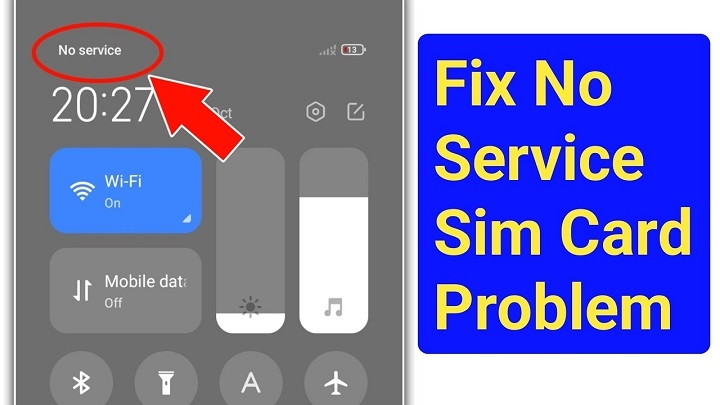
Everything was working fine a minute ago. Then boom. Your phone suddenly shows: “No Service.” No bars. No internet. No calls. Nothing. Honestly, this problem freaks people out fast. And it makes sense.
Your phone number handles so much stuff now:
- banking apps
- OTP verification
- mobile wallets
- social media logins
- work chats
- online shopping accounts
So when your SIM suddenly loses service, it feels like your whole phone just stopped existing. The weird part? A lot of people instantly think the phone is broken forever. But most of the time, the issue is actually fixable.
In 2026, “No Service” errors usually happen because of:
- network issues
- SIM activation problems
- damaged SIM cards
- expired prepaid accounts
- phone setting glitches
- carrier outages
The good news is that many fixes only take a few minutes. Let’s go through the most common causes and solutions step by step.
What “No Service” Actually Means
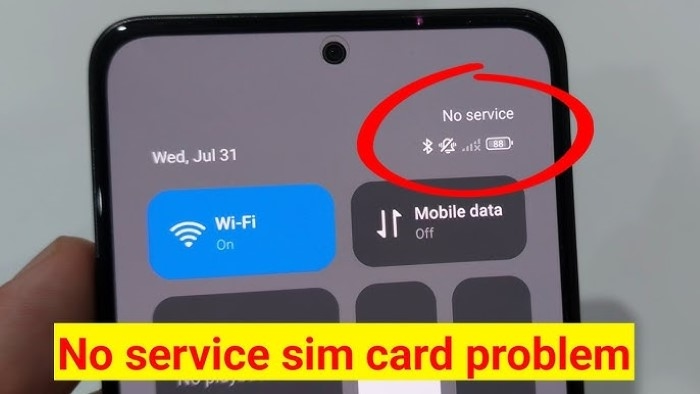
When your phone says “No Service,” it means your device cannot connect properly to the mobile network nearby. Your phone may still detect the SIM card itself. But it cannot establish a stable connection with the carrier towers.
That’s why you lose access to:
- calls
- texts
- mobile internet
- network signal
Sometimes emergency calls still work though.
Why This Problem Happens So Often
A lot of things can trigger a No Service error. Some are tiny issues. Others are more serious.
Weak Signal Area
Honestly, this is probably the biggest reason.
If you’re inside places like:
- underground parking
- elevators
- rural areas
- mountains
- buildings with thick walls
the signal may disappear completely.
Telecom Carrier Outage
Sometimes the network itself goes down.
This can happen because of:
- maintenance work
- bad weather
- overloaded towers
- system updates
- technical failures
When this happens, thousands of users may lose service together.
SIM Card Activation Delay
Brand-new SIM cards sometimes need time before becoming fully active.
Especially with:
- prepaid SIMs
- replacement SIMs
- eSIM activation
- tourist SIMs
The carrier system may still be processing the setup.
SIM Registration Problems
Many countries now require SIM registration.
If the registration fails because of:
- incorrect ID details
- blurry verification photos
- incomplete forms
- failed selfie checks
…the carrier may disable network access completely.
Damaged SIM Card
Physical SIM cards can stop working over time.
Common damage includes:
- scratched chips
- bent cards
- water exposure
- dirty contacts
Even tiny damage can affect signals.
Phone Software Bugs
Sometimes the issue isn’t the SIM at all. Software glitches after updates can temporarily break network connections.
Especially after:
- system upgrades
- beta software installs
- failed updates
Airplane Mode Problems
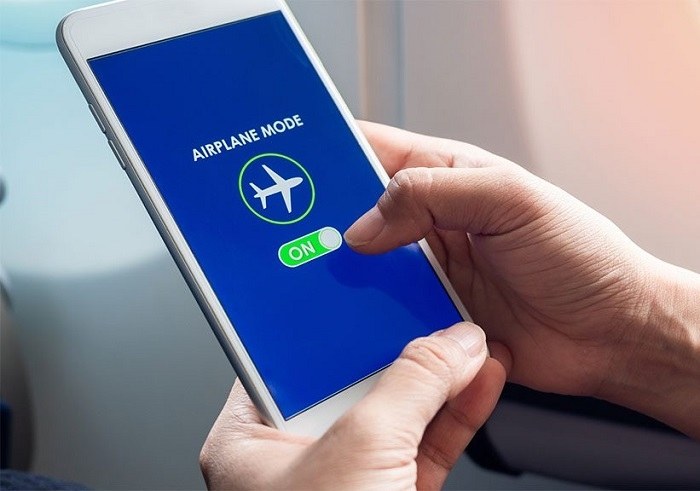
This sounds obvious, but honestly? People accidentally leave airplane mode on all the time. And airplane mode disables mobile service completely.
Unpaid Bills
For postpaid users, unpaid bills can sometimes suspend network access.
That may result in:
- blocked calls
- disabled internet
- No Service warnings
First Things You Should Try
Before panicking, try simple fixes first.
Restart the Phone
Classic solution. Still works surprisingly often. Turn the phone fully off. Wait a few seconds. Turn it back on.
Toggle Airplane Mode
Turn airplane mode on. Wait around 30 seconds. Then turn it back off. This forces the phone to reconnect to nearby towers.
Remove and Reinsert the SIM
Take the SIM out carefully.
Then:
- inspect for damage
- clean gently
- place it back correctly
Loose placement causes lots of signal problems.
Test the SIM in Another Device
This is one of the best troubleshooting tricks.
It helps figure out whether the issue comes from:
- the phone
- the SIM card itself
A very useful step.
Check If Others Have Signal
Ask nearby people using the same carrier. If everyone lost signal too, it’s probably a carrier outage.
Reset Mobile Network Settings
Phones sometimes save broken network settings accidentally. Resetting network settings may restore service.
This usually resets:
- Wi-Fi
- Bluetooth
- mobile network settings
Update Your Phone Software
Outdated software sometimes creates compatibility problems with newer networks. Installing updates may help restore proper connection.
What If the SIM Says “Emergency Calls Only”?
That usually means the phone detects the SIM partially but cannot connect fully.
Common causes include:
- weak network signal
- incomplete activation
- carrier suspension
- provisioning errors
Why New SIM Cards Often Show No Service
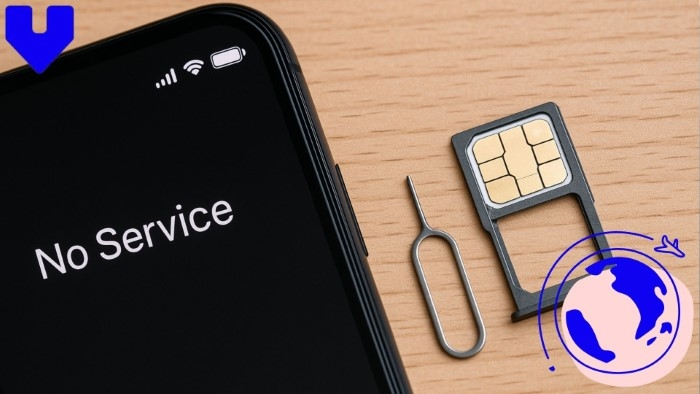
Brand-new SIMs often require activation time.
The telecom company may still be:
- verifying registration
- activating your number
- connecting network services
This sometimes takes:
- a few minutes
- several hours
- one business day
Why Prepaid Users Experience This More
Prepaid SIM cards often lose service because of:
- expired balance
- long inactivity
- unregistered SIM status
- expired promos
Using the SIM occasionally helps prevent deactivation.
Can Old SIM Cards Stop Working Completely?
Yep. SIM cards can physically wear out over time. Especially older SIMs used for many years. Eventually the chip may fail entirely.
How SIM Replacement Works
If the SIM itself is damaged, the carrier may:
- deactivate the old SIM
- issue a replacement
- transfer your old number
Usually you keep your existing number.
eSIM Users Can Get No Service Too

Even digital eSIM systems can fail.
Common causes include:
- QR activation issues
- account problems
- failed carrier syncing
- incomplete setup
Why Tourists Often Face This Issue
Tourist SIM cards sometimes fail because:
- passport verification takes time
- the phone is carrier locked
- activation failed
- regional restrictions apply
Common Mistakes Users Make
Here are some common user errors.
Ignoring Activation Messages
Carrier texts sometimes contain setup instructions users forget to follow.
Buying SIMs From Unofficial Sellers
Fake or improperly activated SIMs create lots of headaches.
Using Damaged SIM Trays
Bent trays can prevent proper SIM connection.
Forgetting SIM Registration Deadlines
Unregistered SIMs may eventually lose service entirely.
How to Avoid No Service Problems
Some simple habits help a lot.
Keep the SIM Active
Use it occasionally.
Especially prepaid SIMs.
Protect the SIM From Damage
Avoid bending or exposing it to water.
Save Important Carrier Messages
Activation texts can help later during troubleshooting.
Use Official Telecom Providers
Always safer.
Complete Registration Carefully
Double-check all information during signup.
Why Phone Numbers Matter More Than Ever
Years ago, losing signals was mostly annoying.
Now?
Phone numbers connect to:
- banking apps
- digital wallets
- account recovery
- OTP systems
- social media
- work systems
That’s why restoring service quickly matters so much now.
Quick Summary Table
| Problem | Possible Cause |
| No Service | Weak signal |
| Emergency Calls Only | Partial network access |
| New SIM no signal | Activation delay |
| Random signal loss | Carrier outage |
| SIM detected but unusable | Provisioning issue |
| Old SIM stopped working | Hardware damage |
| eSIM no service | Activation failure |
FAQs
Why does my phone say No Service?
Usually because the phone cannot connect properly to the mobile network.
Is my SIM card broken?
Not always. Sometimes it’s just a temporary network issue.
Can restarting the phone help?
Yes, surprisingly often.
Why does my new SIM have no signal?
Activation may still be processed.
Can old SIM cards fail permanently?
Yes, especially after years of use.
Can eSIMs also lose service?
Absolutely.
Does unpaid balance affect service?
For postpaid accounts, yes sometimes.
Should I contact my carrier?
Yes, especially if basic troubleshooting doesn’t fix it.
Honestly, seeing “No Service” feels stressful mostly because we rely so heavily on our phones now. But thankfully, many cases are much easier to fix than people expect.
Whether the issue comes from:
- weak signal
- SIM damage
- activation delays
- registration problems
- network outages
there’s usually a solution available. The important thing is staying calm and checking things step by step. Because a lot of the time, the problem turns out way smaller than it first looks.