
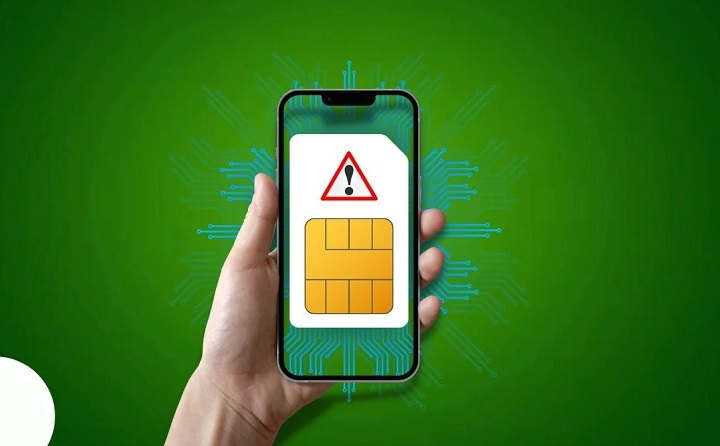
You grab your phone. Check a text. Maybe call someone.
And boom, you see:
- “No SIM Card Detected”
Or maybe:
- “No SIM”
- “Insert SIM Card”
- “SIM Not Found”
And now nothing works.
- No calls.
- No texts.
- No web stuff.
- No login codes.
- No network.
Just pure stress. The good news? This error is way easier to fix than you think.
Lots of folks right away think:
- the phone is toast
- the SIM card died
- the phone company cut them off
- they need a new phone
But most times, that’s not it.
In many cases, the real issue is:
- a loose SIM card
- software being weird
- dirty metal parts
- network being down
- setup problems
Let’s go through all you need to know about this.
What Does “No SIM Card Detected” Mean?
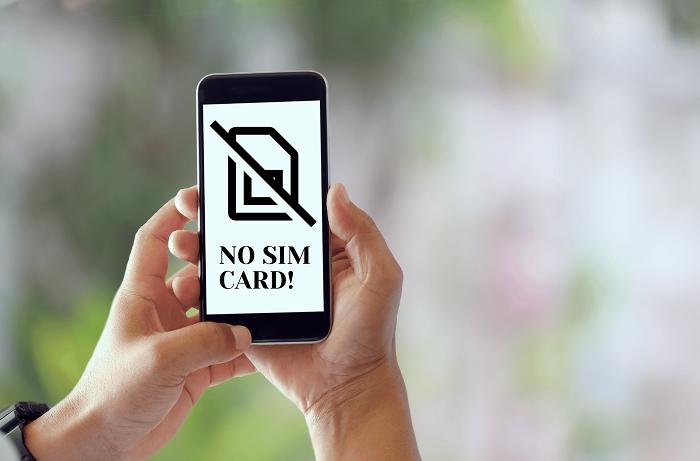
Your phone talks to the SIM card all the time.
The SIM has key info like:
- your phone number
- network stuff
- carrier details
- who you are to them
When the phone can’t talk to the SIM right, it shows an error. This means your phone can’t connect to the cell towers.
Without a good SIM link, you lose:
- phone calls
- text messages
- mobile web
- login texts
- carrier stuff
Common Signs of the Problem
Each phone shows it differently.
You might see:
- No SIM Card
- SIM Not Detected
- Insert SIM
- Invalid SIM
- SIM Error
- Emergency Calls Only
You might also see:
- no signal bars
- no web access
- calls that fail
- texts that won’t send
- network just goes poof
Why Phones Stop Detecting SIM Cards
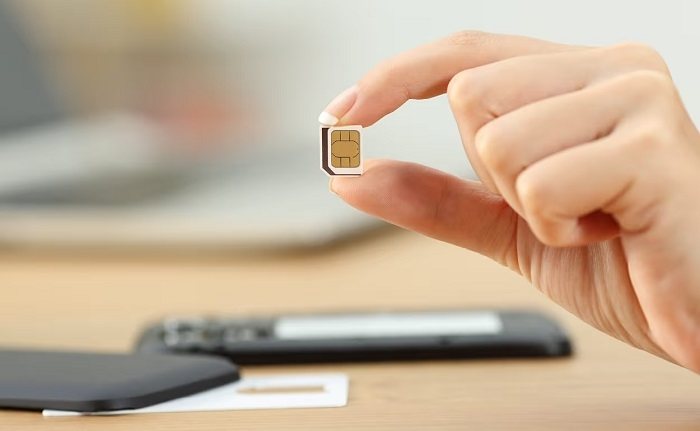
There’s a bunch of reasons. Some are super simple. Others need help from your carrier.
SIM Card Shifted Inside the Tray
This happens a lot, actually. Even a tiny shift can mess things up.
This can happen when you:
- drop the phone
- take out the SIM tray
- switch cases
- bump it hard
A small move is all it takes.
Dirty SIM Contacts
Those gold spots on a SIM card get:
- dust
- dirt
- lint
- finger oils
Over time, this blocks the connection. Even a bit of gunk can cause issues.
Damaged SIM Card
SIM cards wear out. Old ones especially.
Look for damage like:
- scratches
- cracks
- bent edges
- weird color
- water spots
A busted chip won’t work right.
Damaged SIM Tray
Sometimes the tray breaks.
SIM trays can get:
- bent
- cracked
- loose
- wonky
If the tray can’t hold the SIM right, the phone won’t see it.
Carrier Activation Problems
New SIM cards need to be turned on.
If setup isn’t done right, the phone might show:
- No SIM
- SIM Not Registered
- SIM Not Provisioned
This happens lots with:
- new accounts
- replacement SIMs
- moved numbers
SIM Registration Issues
Many places now make you sign up for your SIM. If you don’t finish, they might cut service.
Problems come from:
- wrong ID info
- failed checks
- half-done signup
- old papers
Software Bugs
Not every SIM issue is the card itself. Software can mess up too.
This often happens after:
- system updates
- failed updates
- app fights
- network settings going bad
eSIM Profile Problems
eSIM users get similar issues.
Common causes are:
- failed downloads
- QR code errors
- carrier sync mess-ups
- deleted profiles by mistake
First Things to Try
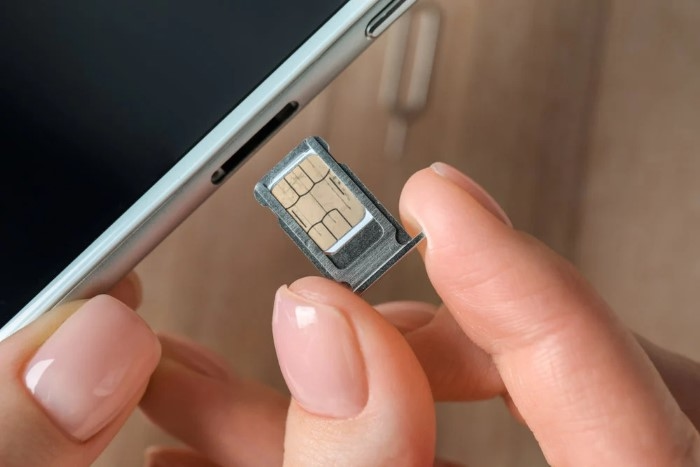
Before you spend money, try these easy fixes.
Restart the Phone
This fixes more than you’d think.
A restart cleans up:
- network links
- carrier settings
- background stuff
Turn the phone all the way off.
Wait ten seconds.
Turn it back on.
Toggle Airplane Mode
This makes the phone find towers again.
Steps:
- Turn Airplane Mode on
- Wait 30 seconds
- Turn Airplane Mode off
Many network bugs just vanish.
Remove and Reinsert the SIM
Take out the tray carefully.
Look at the SIM.
Check for:
- dirt
- scratches
- wrong position
Put it back carefully.
Clean the SIM Card
Use:
- a soft cloth
- light touch
Don’t use:
- water
- alcohol
- spray cleaners
- rough stuff
Just wipe off the dirt.
Test the SIM in Another Phone
This test tells you a lot.
If the SIM works there:
- your phone might be broken
If it fails there too:
- the SIM is likely bad
Test Another SIM in Your Phone
Try a SIM that works for sure.
This shows if:
- the phone is broken
- the first SIM is broken
Check for Carrier Outages
Sometimes everything works fine. But the carrier is down.
Networks go down because:
- tower fixes
- gear breaking
- software updates
- bad weather
Check:
- carrier sites
- outage trackers
- social media
You might find everyone nearby has the same issue.
Update Your Phone
Phone makers send fixes often.
Updates can fix:
- network bugs
- carrier issues
- eSIM problems
- connection errors
Keeping your phone fresh helps avoid SIM issues.
Reset Network Settings
Most phones let you reset network stuff.
This cleans up:
- mobile settings
- cell settings
- carrier configs
- connection info
Many tough SIM issues go away after.
When the SIM Card Is Simply Too Old

SIM cards don’t last forever.
Really old SIMs might not work with:
- LTE networks
- 5G networks
- new security stuff
Signs include:
- random drops
- weak service
- SIM not found errors
Here, a new SIM often fixes everything.
Can Water Damage Cause SIM Errors?
You bet.
Water can break:
- the SIM chip
- the SIM tray
- phone guts
Even a bit of wetness can cause detection issues.
Signs are:
- works sometimes
- rust spots
- service cuts out
Why Travelers See This Error Frequently
Travel adds more problems.
Common causes are:
- roaming blocks
- wrong bands
- tourist SIM issues
- network mismatches
Just got back? Check roaming settings first.
Common Mistakes People Make
Many folks make things worse by mistake.
Constantly Removing the SIM
Taking it out too much can break:
- the tray
- the contacts
- the SIM itself
Ignoring Carrier Messages
Key setup info often comes by:
- text
- carrier apps
Missing them can slow things down.
Buying Unofficial SIM Cards
Cheap fake SIMs cause tons of issues.
Always buy from good places.
Waiting Too Long
Many problems get worse when ignored.
Act fast.
When You Should Contact Your Carrier
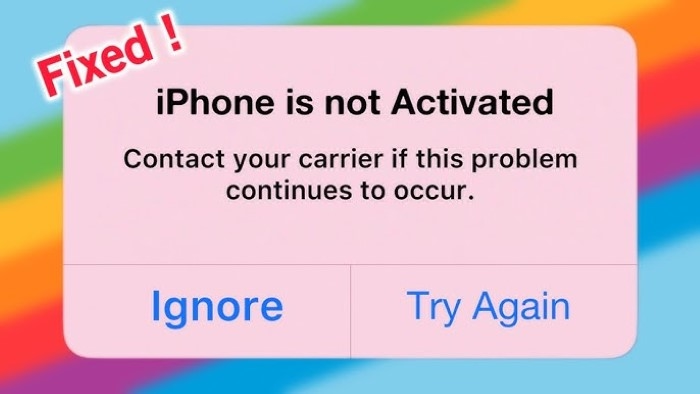
Call your carrier if:
- the SIM still won’t work
- setup failed
- signup failed
- service just died
- you might need a new one
They can check:
- account status
- setup records
- signup status
- network blocks
SIM Replacement May Be Necessary
Sometimes a new SIM is the only fix.
A new SIM can solve:
- physical damage
- old SIM issues
- dead chips
- setup problems
Most carriers can move:
- your phone number
- your account
- your plan
to the new SIM.
Quick Summary Table
| Problem | Possible Cause |
| No SIM Card Detected | Loose SIM |
| SIM Error | Damaged SIM |
| No Signal | Carrier issue |
| Invalid SIM | Activation problem |
| Emergency Calls Only | Registration issue |
| eSIM Not Working | Profile error |
| Random Disconnects | Old SIM card |
FAQs
Why does my phone say no SIM card is detected?
Usually from SIM position issues, damage, setup problems, or software bugs.
Can restarting the phone fix the problem?
Yes. It often fixes quick network glitches.
How do I know if my SIM card is damaged?
Test it on another phone.
Can a dirty SIM card cause detection problems?
For sure.
Will replacing the SIM change my number?
Usually no.
Can eSIM users see this error too?
Yes, but the causes are different.
Can software updates fix SIM problems?
Sometimes they can.
Should I contact my carrier?
Yes, especially if basic fixes don’t work.
Seeing “No SIM Card Detected” feels like a disaster.
I mean, your phone number links to:
- bank apps
- login codes
- social media
- work stuff
- online accounts
But hey, most SIM detection problems can be fixed.
Whether the issue is from:
- a loose SIM
- dirt
- setup delays
- software bugs
- carrier problems
- old hardware
there’s usually a way to fix it.
The trick is finding out if the problem is from:
- the SIM card
- the phone
- the carrier network
Once you know the source, fixing it gets way easier.