
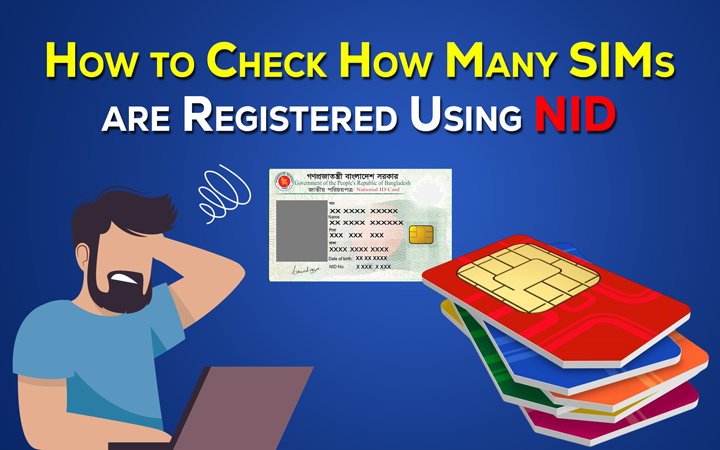
So you wanna make sure your SIM card is actually registered? Yeah, smart move. A lot of people think their SIM is already fine… until one day they get a warning text saying their number could stop working soon. And honestly? That catches people off guard all the time. Maybe you already uploaded your ID months ago. Maybe you bought a new SIM recently. Or maybe your telecom company keeps sending messages about verification and now you’re confused.
Here’s the thing.
SIM registration became a huge deal in recent years because phone numbers connect to almost everything now:
- banking apps
- mobile wallets
- social media
- OTP verification
- online shopping
- messaging apps
- work accounts
So if your SIM isn’t properly registered, losing access can create a giant mess.
The good news?
Checking your SIM registration status is usually very easy in 2026.
Most telecom companies now let users check using:
- mobile apps
- dial codes
- SMS methods
- websites
- customer support
Let’s go through all the easiest ways.
What SIM Registration Actually Means
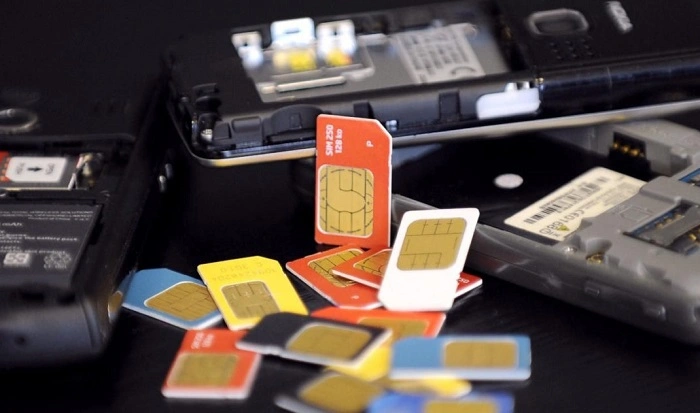
SIM registration simply means your phone number is officially linked to your real identity.
Usually telecom providers collect:
- your full name
- government-issued ID
- birthday
- address
- selfie verification
- sometimes fingerprint or biometric data
Once approved, your SIM becomes officially registered under your name.
Why SIM Registration Matters
A phone number today does way more than just calls and texts.
Your number now connects to:
- banking systems
- payment apps
- password recovery
- security codes
- social media accounts
- digital wallets
If fake SIM cards are used for scams, lots of people can get hurt.
That’s why governments introduced stricter SIM registration rules.
How to Know If Your SIM Is Registered
There are several simple ways to check.
The exact method depends on your telecom company, but most networks now offer very similar systems.
Check Through the Official Telecom App
This is probably the easiest method now.
Most mobile providers have apps where users can manage their account details.
Usually the steps look like this:
- download the official app
- sign in using your phone number
- open profile or account settings
- look for SIM or verification status
If your SIM is registered properly, you may see:
- verified account
- active SIM status
- your registered name
- account details
Some apps even show the registration date.
Check Through Dial Codes
Lots of users still prefer dial codes because they’re quick and don’t need internet.
Telecom companies often use codes like:
- *123#
- *888#
- network-specific verification codes
After dialing, the system may display:
- SIM status
- account verification
- registration details
This method also works great on older phones.
Verify Using SMS
Some providers allow SIM verification through text messages.
Usually users send:
- a keyword
- short code
- registration command
Then the telecom company replies automatically.
The message may say things like:
- SIM verified
- registration successful
- active account confirmed
The exact format depends on the carrier.
Use the Telecom Website
Many telecom providers now offer online customer portals.
You can usually:
- visit the official website
- sign into your account
- check profile settings
- view SIM details
This often gives more detailed information than SMS methods.
Also Read: GAANSURF30 TNT
Visit a Telecom Store
Still unsure?
Honestly, physical stores are one of the safest ways to confirm everything.
Bring:
- your phone
- your SIM card
- government-issued ID
The staff can quickly verify whether your number is properly registered.
Common Signs Your SIM Is Already Registered
Sometimes the signs are obvious already.
For example:
- your calls work normally
- mobile data works fine
- banking OTPs arrive properly
- mobile wallet works
- no registration warnings appear
These usually mean your SIM is active and verified.
Warning Signs Your SIM May NOT Be Registered
Watch for these red flags:
- messages asking you to register urgently
- warnings about SIM shutdown
- failed OTP delivery
- mobile wallet problems
- restricted network access
If you notice these, check your SIM status quickly.
What Happens If Your SIM Is Unregistered?
Eventually the telecom company may deactivate the SIM completely.
That means losing access to:
- calls
- texts
- internet
- banking verification
- social media recovery
- digital wallets
Most companies send several warning texts before a shutdown happens.
Why SIM Registration Sometimes Fails
Many users think they completed registration when actually the system rejected it.
Common reasons include:
- blurry ID photos
- wrong spelling
- expired IDs
- poor selfie quality
- incorrect birthday
- server errors
Even tiny mistakes can create delays.
Online SIM Registration Became Much Easier
Back then, SIM registration often required store visits.
Now modern systems use:
- AI verification
- face matching
- QR scanning
- digital ID systems
- live selfie checks
Many users complete everything within minutes now.
Is SIM Registration Free?
Usually yes.
Most telecom companies do not charge separate fees for SIM registration itself.
Users only pay for:
- SIM purchase
- balance reload
- data promos
Can One Person Register Multiple SIM Cards?
Often yes.
But many countries now limit how many SIMs can be linked to one person.
This helps reduce:
- fraud
- scam operations
- spam accounts
- illegal SIM selling
SIM Registration and Mobile Banking
This became extremely important recently.
Most financial apps now rely heavily on:
- verified phone numbers
- OTP authentication
- mobile verification systems
A problematic SIM can create major banking access issues later.
Do Prepaid SIMs Need Registration Too?
In many countries, yes.
Even prepaid users now often need:
- ID verification
- selfie checks
- personal information
Modern telecom regulations usually apply to both prepaid and postpaid accounts.
Can Tourists Register SIM Cards?
Usually yes.
Tourists often use:
- passports
- visa documents
- hotel information
- travel papers
Airport telecom booths often help visitors directly.
eSIM Users Also Need Verification
Even digital eSIM users often go through registration now.
The difference is that activation happens digitally instead of using a physical SIM card.
Common SIM Registration Scams
Ironically, scammers now use fake SIM registration messages too.
Be careful with:
- suspicious links
- fake telecom websites
- unknown callers
- OTP requests
- password requests
Always use official telecom apps and websites only.
Useful Tips Before Checking SIM Registration
Here are some smart habits.
- Use stable internet for online checks
- Keep your ID nearby
- Save registration confirmation texts
- Screenshot successful verification pages
- Never share OTP codes
Small precautions help a lot later.
Quick Summary
| Method | Best For |
| Telecom App | Full account details |
| Dial Code | Fast checking |
| SMS Inquiry | Quick verification |
| Telecom Website | Detailed account info |
| Telecom Store | Direct support |
FAQs About How To Know If SIM Is Registered
How can I know if my SIM is registered?
You can check using apps, websites, SMS methods, dial codes, or physical telecom stores.
What happens if my SIM is not registered?
Your SIM may eventually stop working completely.
Is SIM registration free?
Usually yes.
Can I check my registration online?
Absolutely. Most providers now support online verification.
Why is SIM registration important?
It helps improve security and reduce fraud.
Can tourists register SIM cards?
Yes, usually using passports.
Can prepaid SIMs require registration too?
In many countries, yes.
Can one person register multiple SIM cards?
Often yes, though limits may apply.
Final Thoughts
Honestly, checking whether your SIM is properly registered is one of those small things people forget until problems suddenly appear.
And by then, it can become stressful very quickly.
Your phone number connects to banking, apps, security systems, recovery codes, and personal accounts now.
That’s why making sure your SIM is fully verified really matters.
The good thing is that telecom companies made checking much easier in 2026.
Whether you use:
- apps
- websites
- dial codes
- SMS methods
- telecom stores
…the whole process usually only takes a few minutes.
And honestly? A quick check today can save a huge headache later.