
So your SIM card just stopped working? Yeah, that’s super annoying. One minute your phone works fine. Then boom – nothing works anymore.
You get:
- no signal bars
- calls won’t go through
- internet dies
- texts fail to send
- weird error messages pop up
And honestly? Most people freak out a bit when this happens. Makes total sense too.
Your phone number runs your whole life now:
- bank apps need it
- login codes come to it
- social media uses it
- payment apps require it
- work stuff needs it
- shopping sites want it
- chat apps depend on it
So when your SIM dies, half your digital world stops too. Good news though? Most SIM problems are pretty easy to fix. Sometimes it’s tiny stuff. Like the SIM moved a bit inside your phone. Other times your network has issues. Or maybe the SIM got old and worn out. Even in 2026, with all our smart phones, SIM problems still bug people daily. Let’s check out what causes these issues and how to fix them fast.
What Happens When a SIM Card Stops Working?
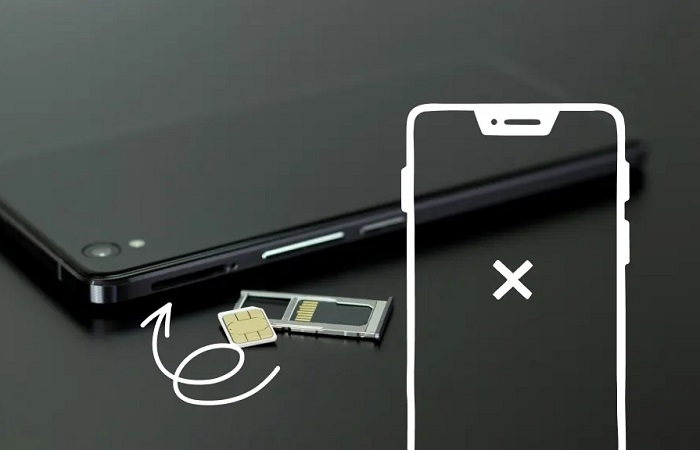
When your SIM fails, you lose:
- phone calls
- text messages
- mobile data
- carrier services
- login codes
Your phone just can’t talk to cell towers anymore.
Common Signs of a SIM Card Problem
People usually see stuff like:
- “No SIM” warning
- “SIM not found” error
- “Emergency calls only” message
- zero signal bars showing
- no internet at all
- calls that won’t connect
- texts that won’t send
Sometimes it happens fast. Other times it gets worse slowly over days.
Why SIM Cards Stop Working
Lots of things can break your SIM.
Some are simple fixes. Others need more work.
The SIM Card Moved Slightly
This one’s super common.
Drop your phone? SIM tray shifts a tiny bit? That small move can break the connection.
Dirty SIM Contacts
That gold metal part gets gross with:
- dust buildup
- finger oils
- random dirt
Makes the connection weak.
SIM Card Damage
SIM cards break over time.
You might see:
- scratches on it
- bent corners
- water spots
- cracked parts
Old SIM cards break more often.
Carrier Network Problems
Sometimes it’s not your SIM at all.
Your carrier might have:
- system updates happening
- tower outages
- broken equipment
- too many users online
SIM Not Activated Properly
This bugs people with:
- brand new SIMs
- replacement cards
- eSIM setups
The carrier didn’t finish setting it up yet.
SIM Registration Problems
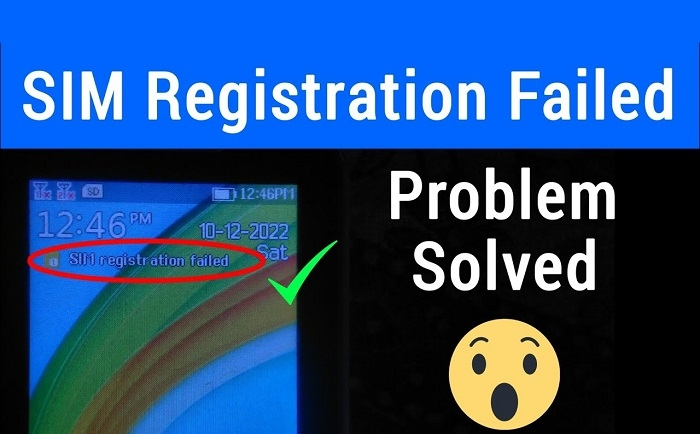
Many countries make you register SIMs now.
If registration fails from:
- wrong ID info
- blurry photos
- missing steps
…your SIM stops working.
Inactive Prepaid SIM
Prepaid users know this pain.
Some carriers shut off SIMs after you:
- stop adding money
- stop making calls
- stop sending texts
for a few months.
Phone Software Glitches
Sometimes your phone causes the problem.
Usually after:
- system updates
- failed installs
- random crashes
Airplane Mode Problems
Sounds dumb, but it happens. Phones get stuck halfway in airplane mode after glitches.
SIM Tray Problems
The tray itself might break.
Happens when people:
- force it open
- use wrong SIM sizes
- bend it by accident
Phone Locked to Another Carrier
Some phones only work with one company. That’s carrier locking. Other SIMs just won’t work in them.
eSIM Problems in 2026
eSIM users get issues too.
Like:
- failed QR scans
- setup errors
- sync problems
- deleted profiles
First Things You Should Try
Before you panic, try these easy fixes.
Restart Your Phone
I know, I know. But it works! Turn it all the way off. Wait ten seconds. Turn it back on.
Toggle Airplane Mode
Turn airplane mode on for 30 seconds. Then turn it off. This makes your phone find networks again.
Remove and Reinsert the SIM
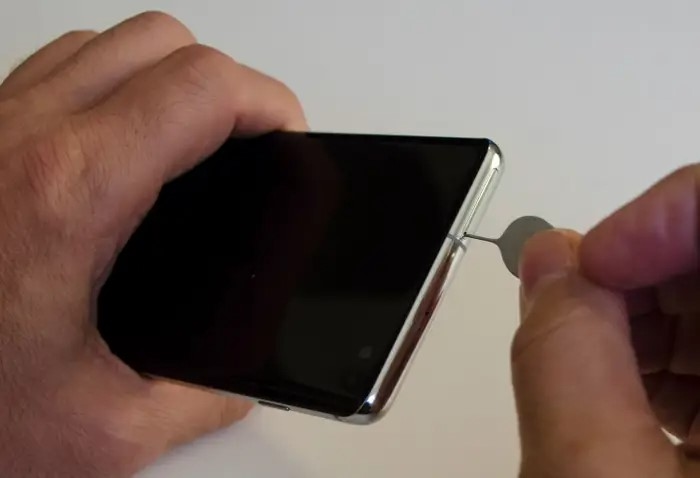
Take out the SIM tray carefully.
Look for:
- dirt on it
- scratches
- wrong placement
Put it back in right.
Clean the SIM Carefully
Use a soft dry cloth only.
Never use water or liquids.
Test the SIM in Another Phone
Super helpful test.
If it works there, your phone’s the problem. If it fails there too, the SIM’s broken.
Test Another SIM in Your Phone
This shows if:
- your phone’s broken
- just the SIM’s broken
Check Carrier Outages
Sometimes whole areas lose service.
Check:
- carrier Twitter pages
- outage tracker sites
- local news
Update Your Phone Software
Old software creates network bugs sometimes.
Reset Network Settings
Most phones let you reset:
- mobile settings
- Wi-Fi settings
- carrier stuff
without losing your photos or apps.
Contact Your Carrier
Nothing working? Call your phone company.
They can check:
- if your SIM’s active
- registration status
- account problems
- network errors
SIM Replacement May Be Needed
Sometimes SIMs just die.
Old ones especially.
Carriers will:
- give you a new SIM
- move your number over
- turn off the old one
Can You Keep the Same Number?
Almost always yes.
Carriers move your old number to the new SIM easily.
How Long SIM Replacement Takes
Pretty fast now.
Usually:
- few minutes in store
- few hours by mail
- one day max
Why SIM Cards Matter More Today
Years back, broken SIMs meant missed calls.
Now though?
Your number connects to:
- bank accounts
- online profiles
- password resets
- work logins
- security checks
That’s why fixing SIM problems fast matters way more now.
Common SIM Card Error Messages
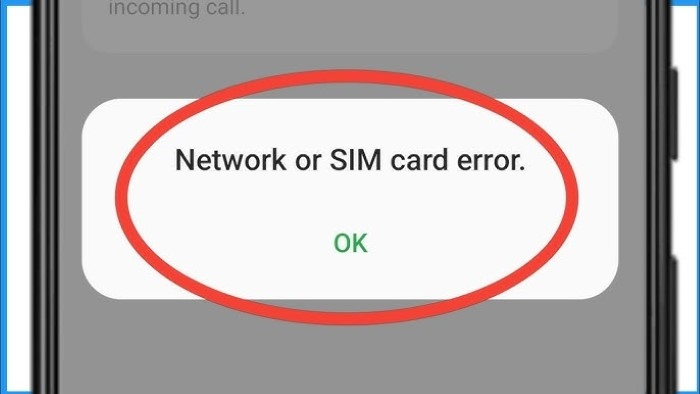
Different phones show different warnings.
Like:
- “SIM not set up”
- “No SIM card found”
- “SIM error”
- “Bad SIM”
- “Emergency only”
Most mean network or SIM connection issues.
SIM Problems During Travel
Travelers see SIM issues from:
- roaming problems
- networks that don’t work
- tourist SIM setup delays
Can Water Damage Break SIM Cards?
Oh yeah, totally.
Even small water drops can break:
- SIM chips
- SIM trays
- phone readers inside
Why Old SIM Cards Sometimes Fail
Old SIMs struggle with:
- new 5G networks
- updated systems
- newer phones
Common SIM Scams
Watch out when fixing SIM issues.
Scammers send fake texts asking you to:
- verify SIM info
- share login codes
- click weird links
Never share codes with anyone randomly.
Tips to Avoid SIM Problems
Some easy habits help tons.
Keep SIM Cards Dry
Water kills SIMs fast.
Use Official Carrier SIMs
Way safer and works better.
Avoid Forcing SIM Trays
Stops physical damage.
Keep Carrier Apps Updated
Helps when stuff breaks.
Use SIM Registration Properly
Bad registration causes many problems.
Can Factory Reset Fix SIM Problems?
Sometimes software ones.
But not:
- broken SIM cards
- carrier setup issues
- network outages
Quick Summary Table
| Problem | Possible Cause |
| No signal | Network issue |
| SIM not detected | Dirty or damaged SIM |
| Calls not working | Activation problem |
| Emergency calls only | Carrier or registration issue |
| eSIM failure | Setup problem |
| Prepaid SIM inactive | Long inactivity |
| Invalid SIM | Carrier lock or SIM damage |
FAQs
Why is my SIM card suddenly not working?
Could be network issues, SIM damage, setup failure, or software bugs.
Can restarting the phone help?
Yeah, super often actually.
How do I know if my SIM card is damaged?
Test it on another phone first.
Can old SIM cards stop working?
Totally. They wear out.
Will I lose my number if the SIM breaks?
Usually no. Carriers save it.
Can carriers replace damaged SIM cards?
Yes, they do it all the time.
Can eSIMs fail too?
Yep, for sure.
Should I contact my carrier if nothing works?
Yes, definitely call them.
Look, SIM card problems happen way more than you’d think. Good thing is? Most issues are totally fixable without buying a new phone.
Whether your problem comes from:
- SIM damage
- network issues
- registration mess-ups
- software bugs
- dead prepaid accounts
- carrier outages
…there’s usually a fix waiting.
The main thing? Figure out if the problem’s from:
- the SIM card itself
- your phone
- or the cell network
Once you know that, fixing it gets way easier.