
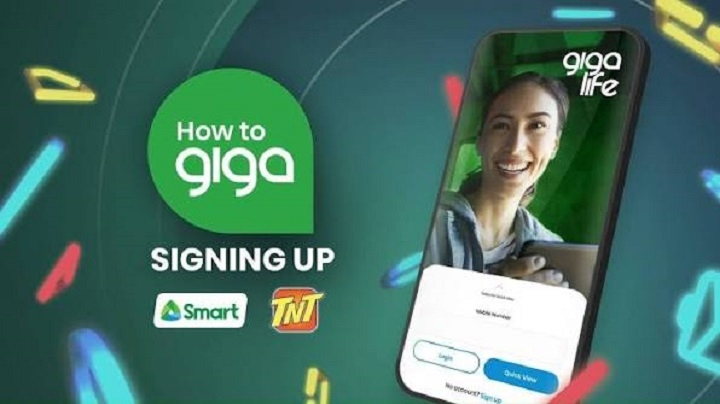
Gigalife is Smart’s self-care application wherein its subscribers can conveniently manage their mobile plans. Using this portal, users can monitor their data balances and purchase several promotions, as well as inquire about their bill statements among other features.
If you are facing challenges when accessing the tool or you are unaware of the procedure, this article will demonstrate how to log in to Gigalife.
What Is the Gigalife App?
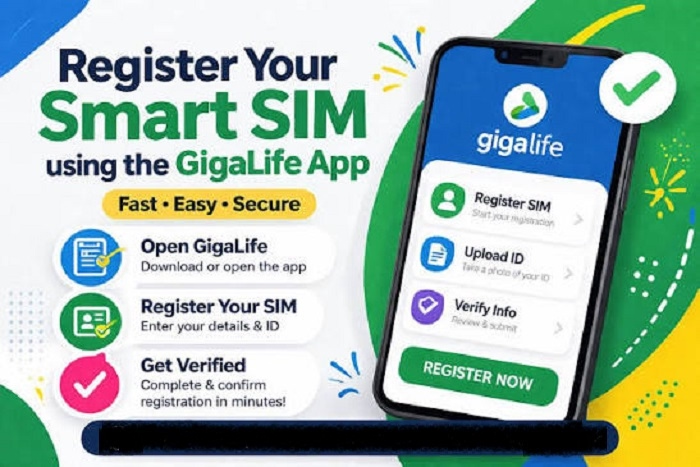
Gigalife is a mobile application that Smart offers to its customers. As its name suggests, the tool aims to provide self-care services conveniently so that less time is spent going to retail stores. Its main purpose is to act as the organization’s official website so that its customers can manage their preferences from the convenience of their homes.
Through the use of the Gigalife App, users can:
- Monitor and recharge their data balance
- Check their call/text balance
- Pay their postpaid bills
- View all their account-related information
- Manage and monitor all their smart numbers
- View all available promo options per application
How to Log In to Gigalife
As explained, the main purpose of Gigalife is to provide convenience to its users. With that being said, it is not surprising that the process of logging in to the tool is relatively simple.
Here is a list of steps that you can follow:
- Firstly, you need to download the application to your preferred mobile phone
- After downloading, open the tool and enter your mobile number
- Secondly, you need to enter a one-time password sent to your mobile number to verify your access to the tool
After completing the above steps, you should successfully log in to your Gigalife account.
How to Recover Gigalife Account
If you are facing challenges when trying to access your Gigalife account, you need to make sure that the mobile number that you have entered is the same one registered with the service provider.
After verifying that the information is correct, you need to request another one-time password. At the same time, it is important to double check your cellular connection before trying to log in again.
Other solutions include re-downloading the app if your smartphone’s screen has frozen or updating the tool if it is not in its latest version.
If none of the suggested measures work, you may need to contact Smart’s customer care service in order to recover your account.
Common Gigalife Login Challenges
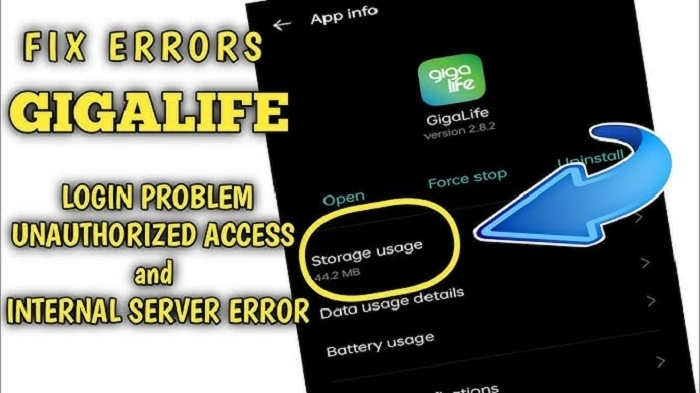
Some users reported encountering challenges when trying to log in to their Gigalife App accounts. Some of the problems that prevent people from logging in are explained below.
OTP Issues
At times, it may seem as if the tool does not allow users to enter a one-time password (OTP).
This mainly occurs when there are cellular service issues hence no access to the OTP.
Apart from poor cellular connection, the described limitation can also be achieved when attempting to enter a mobile number that was not used to register a Smart SIM card.
The OTP feature was primarily designed so that the service provider can verify and authenticate customer requests.
Poor Connection
At times, poor cellular connection can hinder accessing the tool.
It is essential that whenever using the application or any other mobile service, one ensures that there is a stable cellular connection so as to avoid problems such as the one described above.
Sometimes, poor accessibility can also be brought about by technical glitches on the developer’s end.
Outdated Version of the Application
At times, slow performance of the tool is mainly described by the fact that it is not up to date.
It is essential to update it to its latest version. So one can enjoy a seamless experience while using the application.
When the tool is not accessible, it may also be because the server is under maintenance. It is essential to wait until an appropriate time before trying to log in again.
How to Keep Your Gigalife Account Safe
Below are some of the vital pointers that one needs to consider so that their Gigalife account stays secure:
- The OTP that the tool generates should always be treated as confidential information and should not be shared with anyone
- It is essential to keep your mobile phone number active
- Always update the application to its latest version
- Only download the application from Google Play store or other reliable sources
- Report any suspicious activities to the company
You need to be extra careful when it comes to your mobile phone account, particularly smartphones.
FAQs
Is the Gigalife app free?
Although the app can be downloaded for free, it is essential to remember that internet access is needed for it to operate smoothly.
Can I manage multiple numbers using the Gigalife app?
Smart Company designed the tool to offer multiple line management.
The process of Gigalife login is convenient and secure. Smart Company made sure that its customers can easily access the tool so that they can manage their mobile plans without spending much time doing so.
The portal enables subscribers to monitor their mobile balance and purchase data plans among other features.
If you encounter any problems when logging in, it is essential to double-check the information that you enter before contacting Smart Company’s customer service.