
So your SIM card suddenly stopped working? That can get stressful fast.
One second your phone is working perfectly. Then suddenly:
- no signal
- no internet
- no calls
- no texts
- weird SIM error messages everywhere
And honestly? Most people panic right away. Makes sense too.
Your phone number now connects to almost everything:
- banking apps
- OTP codes
- social media
- messaging apps
- work accounts
- digital wallets
- online shopping
So when your SIM stops working, it feels like your whole phone breaks. But most SIM problems in 2026 are fixable. Sometimes the issue is tiny. Like a loose SIM card. Other times it might be network trouble, expired service or setup problems. The important thing is figuring out what actually caused it. Let’s break it all down step by step.
Common Signs Your SIM Card Is Not Working
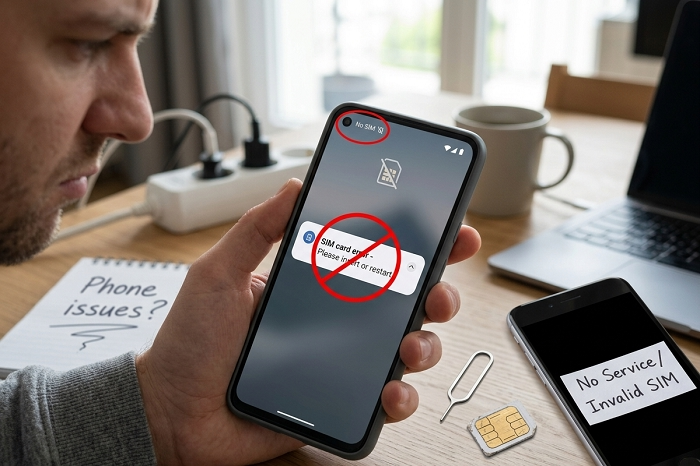
Usually the warning signs are pretty obvious.
Like:
- “No SIM detected”
- “Emergency calls only”
- “No service”
- “SIM not provisioned”
- zero signal bars
- mobile data not loading
- OTP texts not arriving
Sometimes your phone won’t even recognize the SIM card at all.
Why SIM Cards Stop Working
There are actually lots of possible reasons. Some are simple. Others need help from your carrier.
SIM Card Not Inserted Properly
This happens way more than people think. Sometimes the SIM card shifts slightly inside the tray. Even tiny movements can stop the phone from reading it correctly.
Dirty SIM Card Contacts
Dust and dirt cause problems surprisingly often. The gold chip part needs clean contact with the phone.
SIM Tray Damage
Modern SIM trays are tiny now. If the tray bends or breaks slightly, the SIM may stop connecting properly.
SIM Card Damage
Physical SIM cards can get damaged from:
- scratches
- bending
- water exposure
- overheating
- drops
Tiny chip damage can completely stop network communication.
Carrier Network Problems
Sometimes your SIM is perfectly fine. The real problem is your telecom provider.
Network outages happen because of:
- maintenance
- tower failures
- software upgrades
- regional service problems
If nearby people also lose service, the carrier might be down temporarily.
SIM Card Activation Issues
Brand-new SIM cards often need activation first.
Sometimes the carrier still needs to:
- verify your account
- finish setup
- approve registration
- link the number properly
During this time, your SIM may show no signal.
SIM Registration Problems
Many countries now require SIM registration.
If registration fails because of:
- blurry ID photos
- wrong information
- failed selfie checks
- incomplete forms
…the SIM might never activate correctly.
Expired Prepaid SIM Cards
Prepaid SIM users run into this a lot. Some carriers deactivate inactive SIMs after months of no usage.
Usually when:
- no reload happens
- no calls are made
- no texts are sent
The number may expire completely.
Software Glitches
Phones glitch sometimes too.
Especially after:
- major updates
- beta software installs
- network setting changes
A software bug may stop proper SIM detection.
eSIM Setup Problems
eSIM users can also face network issues.
Common causes include:
- QR code errors
- incomplete activation
- profile corruption
- failed carrier sync
SIM Not Provisioned Error
This message confuses tons of people.
Usually it means:
- your carrier hasn’t fully activated the SIM
- registration failed
- account setup is incomplete
Very common with new SIM cards.
Why OTP Codes Stop Working
This part scares people most now.
When SIM service fails, you may lose access to:
- banking verification
- login authentication
- security codes
- wallet confirmations
That’s why fixing SIM problems quickly matters more today.
First Things You Should Try
Before contacting support, try the easy fixes first. Seriously, they solve lots of problems.
Restart Your Phone
Simple but surprisingly effective.
This refreshes:
- network settings
- carrier connections
- SIM communication
Turn Airplane Mode On and Off
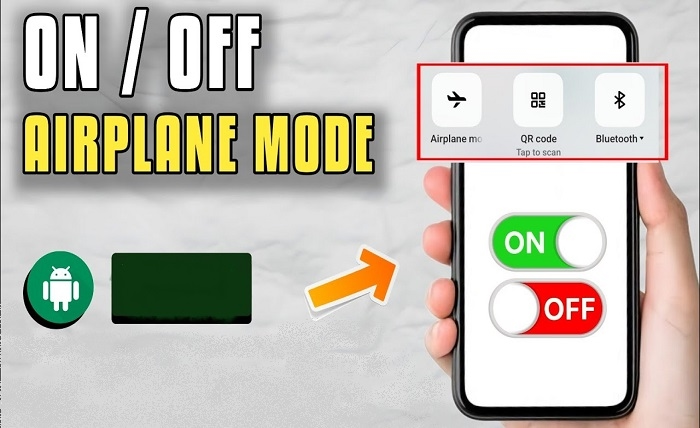
This forces your phone to reconnect to mobile towers. Wait around 30 seconds before turning airplane mode back off.
Remove and Reinsert the SIM
Take the SIM out carefully.
Then:
- check for scratches
- clean gently if dusty
- insert it properly again
Test the SIM in Another Phone
This helps identify whether:
- the SIM is faulty
- or your phone has problems
Very useful troubleshooting step.
Reset Network Settings
Phones sometimes store broken network settings.
Resetting network settings may fix:
- mobile signal issues
- carrier connection bugs
- internet failures
Contact Your Carrier
Sometimes only the telecom provider can fix things.
Especially for:
- account suspension
- activation problems
- expired SIMs
- replacement requests
Most carriers now support help through:
- apps
- websites
- live chat
- social media
- hotline numbers
SIM Replacement Might Be Needed
If the SIM itself is damaged badly, carriers usually replace it.
Often you can still keep:
- your number
- your account
- your services
What Happens if the SIM Was Blocked?
SIMs may stop working if:
- reported lost
- flagged for fraud
- unpaid postpaid bills exist
- carrier rules were broken
Water Damage and SIM Problems
Even small moisture can damage:
- SIM chips
- internal phone readers
- metal contacts
Phones may work partially but still fail network connection.
Why Travelers Often Face SIM Issues
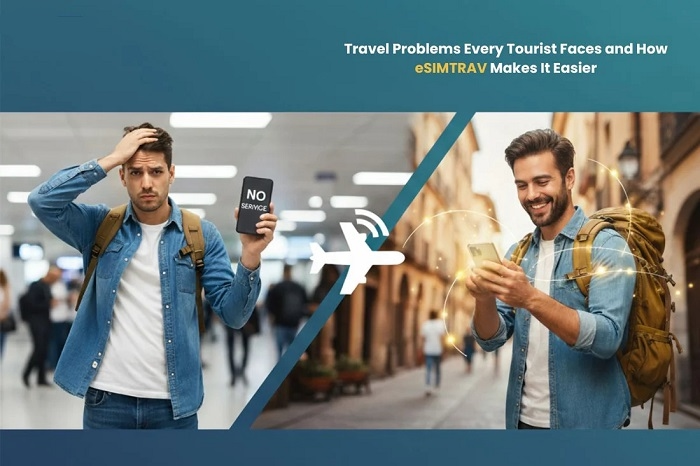
Travel SIM problems are super common.
Especially because of:
- unsupported network bands
- roaming restrictions
- tourist registration requirements
- activation delays
Common Mistakes Users Make
People accidentally create SIM problems all the time.
Ignoring Carrier Activation Messages
Those setup texts often contain important steps.
Using Fake SIM Sellers
Unofficial SIMs create lots of issues.
Cutting SIM Cards Manually
DIY SIM cutting can destroy the chip easily.
Waiting Too Long Before Fixing the Problem
Especially risky if your number connects to banking apps.
How to Avoid SIM Problems
Some easy habits help a lot.
Keep the SIM Clean
Dust creates weird problems sometimes.
Use Official Telecom Stores
Safer than random sellers.
Keep Prepaid SIMs Active
Use them occasionally.
Avoid Cheap SIM Adapters
Bad adapters damage trays.
Keep Phone Software Updated
Updates often improve carrier compatibility.
Why SIM Security Matters More Now
Years ago, SIM cards mostly handled calls and texts.
Now phone numbers connect to:
- online banking
- digital wallets
- work systems
- account recovery
- social media authentication
That’s why losing service feels way more serious now.
Quick Summary Table
| Problem | Possible Cause |
| No signal | Carrier outage |
| SIM not detected | Dirty or damaged SIM |
| SIM not provisioned | Activation incomplete |
| Emergency calls only | Network registration issue |
| OTP codes not arriving | SIM inactive |
| eSIM not working | Setup issue |
| Prepaid SIM expired | Long inactivity |
FAQs
Why is my SIM card suddenly not working?
Usually because of network, activation, hardware, or registration issues.
Can restarting the phone fix SIM problems?
Sometimes yes.
What does SIM not provisioned mean?
The SIM hasn’t fully activated on the carrier network.
Can damaged SIM cards be repaired?
Usually carriers replace them instead.
Why am I only getting emergency calls?
Usually network or SIM registration issues.
Can eSIMs stop working too?
Absolutely.
Can expired prepaid SIMs be recovered?
Sometimes, if you act quickly.
Should I contact my carrier?
Yes if basic troubleshooting doesn’t work.
Honestly, SIM card problems feel much bigger now than they did years ago. Mostly because our phone numbers became tied to almost every important online service we use daily. The good thing though? Most SIM issues are fixable.
Whether the problem comes from:
- activation delays
- damaged SIM cards
- software bugs
- network outages
- expired prepaid service
- registration problems
…there’s usually a solution available.
And the faster you troubleshoot the issue, the easier it usually becomes to recover your number and services safely.