

Activating your Sun SIM is required before making any calls, sending and receiving messages and data. It is important to activate a SIM or transfer the old SIM to the new one You can be rest assured, when you decide to activate the Sun SIM card it is very simple and quick. After activation you can start using your number and subscribe to any promos that are available
Requirement before activating your Sun SIM card
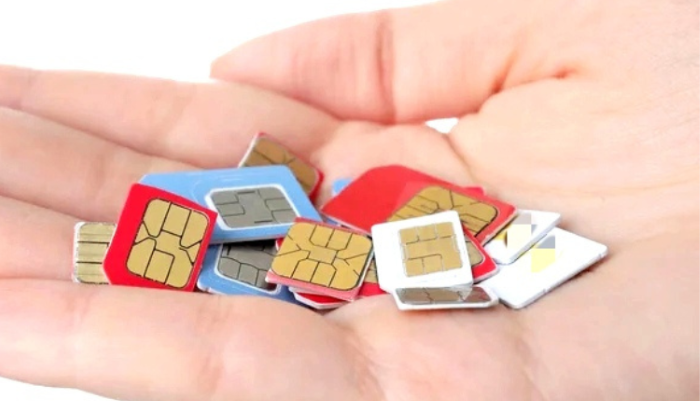
Here are the main requirements to activate your Sun SIM card:
- New or replacement Sim
- Unlock mobile phone compatible with Sun
- Charged mobile phone
- Government issued identification card where applicable
- SIM registration where applicable
- Good network coverage
Having all the requirements will assist you to activate your SIM card smoothly
How to activate a Sun SIM
The following steps will help you activate a Sun SIM:
Step 1: Insert the SIM card
The first step in activating Sun SIM is to turn off the phone and insert the new SIM card. Ensure that the newly inserted SIM card is properly placed and then turn on your phone
Step 2: Turn on your phone
The second step is to turn on your phone and wait until it connects to the Sun network
Step 3: Complete the SIM registration
If SIM registration is required, complete the process by giving out the necessary personal information and documents to activate your SIM card Some countries require that you register your SIM card before you can activate it. Your Sun SIM card might fail to activate if you did not complete the registration process
Step 4: Wait for activation
If your Sun SIM card registration was successful or after inserting a new SIM card, wait for the activation process to finish. The length of time the activation may take depends on the network
Step 5: Restart your phone
Once your Sun SIM card is activated, you may need to restart your phone to complete the activation process
How to check if your Sun SIM is activated
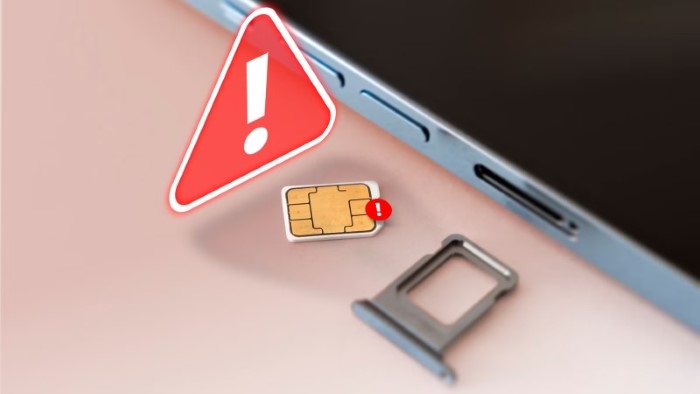
To check whether your Sun SIM is activated, you should be able to:
- See signal bars on your phone
- Make and receive calls
- Send and receive messages
- Access mobile data
If you are able to do the above, it is a sure indication that your SIM is activated
Why is my Sun SIM not activating?
Activating a Sun SIM can sometimes be challenging, especially if it is your first time. Here are a few reasons why your Sun SIM card may not activate
- SIM registration has not been completed
- There may be temporary network issues
- Poor network coverage
- Incorrect SIM insertion
- Incompatible devices
- Damaged SIM card
If your SIM card fails to activate, try reinserting or replacing your SIM card with another one. If none of these works, it is advisable to contact your service provider and explain the problem
Tips for activating Sun SIM
Here are some of the helpful pointers when activating Sun SIM:
- Ensure that the SIM is properly inserted into your phone
- Complete the SIM registration process immediately after inserting it
- Keep your phone charged
- Connect to a good network when activating your SIM card
- Restart your device to restart the activation process if it is taking too long
- Keep your identification documents handy in case the need arises
The above tips will help you activate SIM smoothly
FAQs
How long does Sun SIM activation take?
Activating a Sun SIM card takes a relatively short time for the network to recognize and activate it. However, it is important to note that the length of time the activation may take depends on the network and whether SIM registration is required. Sun SIM activation can take place within a few minutes to hours.
Why does my phone say ‘No Service’?
Your phone may indicate ‘No Service’
- because the SIM card is activating
- there are poor network signals
- the SIM card is not properly inserted
- there are temporary network issues
How to activate your Sun SIM card generally involves inserting the new SIM card, completing the SIM registration process and waiting for it to be activated. After activation you can start using it to make calls and send messages It is important to highlight that most activation issues are resolved when you restart your device. You can also contact your service provider and ask them to assist you in case of any problems.