
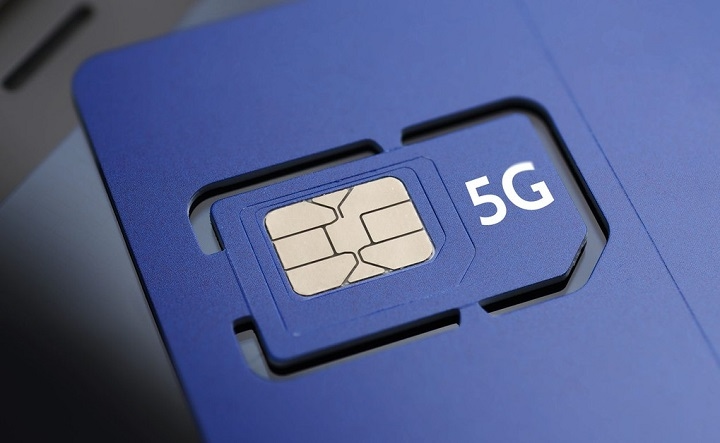
So you got a new 5G phone. Sweet! Your carrier talks about 5G all the time. Maybe your friend gets super fast speeds and you’re thinking: “Um… does my SIM card even work with 5G?”
Lots of folks ask this.
And yeah?
It gets confusing.
Some people think:
- every SIM card does 5G
- a 5G phone means you have 5G
- new phone means new SIM too
- all carriers do 5G the same
Not quite.
Here’s the deal – 5G needs a few things to work right.
You need:
- the right phone
- the right carrier
- good coverage
- the right plan
- the right SIM card
They all matter. Good news though? Checking if your SIM does 5G is pretty easy. Let me show you how.
Does a SIM Card Need to Be 5G?
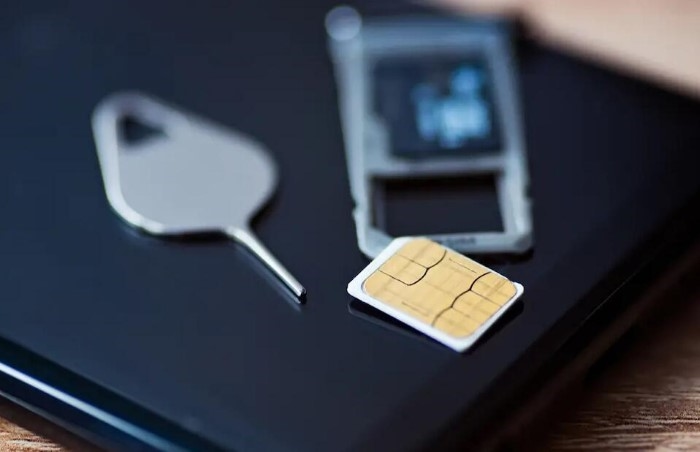
This might surprise you.
The answer?
Maybe. Sometimes. Depends.
Lots of newer SIM cards already do 5G just fine.
Most SIM cards from the last few years work great on 5G.
But some old ones don’t.
Like ones that are:
- really old
- made before big network updates
- built for old tech
That’s why you gotta check.
What Makes a SIM Card 5G Compatible?
A 5G SIM is made to work with new network stuff.
It helps your phone talk to:
- 5G towers
- new safety systems
- fresh carrier features
- new network tools
The SIM doesn’t make things faster by itself.
It just lets your phone use the network right.
First Check: Do You Have a 5G Phone?
Before you worry about the SIM, check your phone.
Because listen.
Even the best 5G SIM won’t help if your phone can’t use it.
Lots of people find out their issue isn’t the SIM.
It’s their phone.
Look up your phone model and check if it does:
- 5G
- NR networks (that’s just tech talk for new radio)
- your carrier’s 5G bands
Without those, the SIM doesn’t matter.
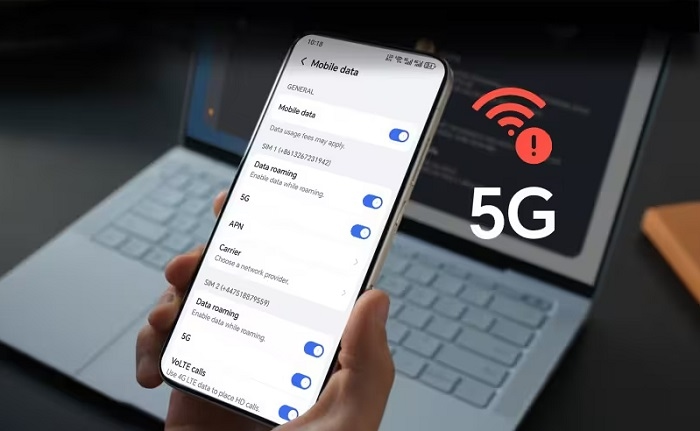
Check Your Phone Settings
This is usually the easy way.
Most phones show what networks they can use.
Look for stuff like:
- Mobile Network
- Cellular
- SIM Settings
- Network Type
See options like:
- 5G
- 5G Auto
- 5G On
Your phone and SIM might already do 5G.
No 5G option at all? Time to dig more.
Look for the 5G Symbol

Sometimes it’s right there.
Check by your signal bars.
You might see:
- 5G
- 5G+
- 5G UC
- 5G UW
See one of these? Your SIM probably works with 5G.
That’s the easy check.
Use Your Carrier App
Most carriers have apps now with all your info.
In the app you might find:
- SIM details
- what networks work
- if your phone works
- account stuff
Many apps just tell you if your SIM does:
- LTE
- 5G
- fancy network stuff
This gets easier every year.
Contact Customer Support
Sometimes just ask them.
Support can usually check:
- what kind of SIM you have
- if it works with new networks
- your account status
- if you can upgrade
You’ll need:
- your phone number
- account info
- maybe your SIM number
Then they tell you what’s up.
Visit a Carrier Store
Still one of the fast ways.
Store folks can tell you quick:
- if your SIM does 5G
- if your phone does 5G
- if your plan has 5G
Need a new SIM? Many stores do it right there.
Check the Age of Your SIM Card
How old is that thing?
Really.
This matters more than you think.
Been using the same SIM for:
- five years
- seven years
- ten years
It might not be made for new 5G stuff.
Old SIMs aren’t always bad.
But older means maybe not 5G ready.
Compare Speeds Carefully
Some folks think slow internet means no 5G SIM.
Not always true.
Speed depends on:
- signal strength
- how busy the tower is
- where you are
- carrier setup
- your phone
You could have a great 5G SIM and still get slow speeds sometimes.
Speed alone doesn’t tell you much.
Check Your Mobile Plan
This gets people all the time.
Your SIM might do 5G.
Your phone might do 5G.
Your area might have 5G.
But your plan might not.
Some carriers need:
- fancy plans
- upgraded stuff
- certain data packs
Without the right plan, you stay on 4G.
Why Your SIM Might Not Support 5G
A few reasons why.
It’s Too Old
Old SIM tech sometimes can’t do new tricks.
The Carrier Recommends Upgrades
Some carriers swap old SIMs when they update networks.
The SIM Was Built for Older Networks
Some SIM types were made for:
- 3G
- HSPA (old fast data)
- early LTE
They might not fully do new 5G stuff.
Signs You Might Need a New SIM
Watch for stuff like:
- carrier saying get a new one
- no 5G option anywhere
- setup errors
- network warnings
- can’t use new services
These don’t always mean bad SIMs.
But they might.
What Happens During a SIM Upgrade?
Most upgrades are easy.
The carrier:
- gives you a new SIM
- moves your number
- moves your account
- turns on the new card
You usually keep:
- your number
- your contacts
- your plan
It’s often quick.
Will You Lose Your Number?
Usually no way.
People worry about this.
The whole point is better service with your same number.
Most carriers do this no problem.
Can eSIM Support 5G?
You bet.
Lots of eSIM profiles work great with 5G.
New phones often have:
- eSIM support
- 5G support
- dual SIM stuff
All in one phone.
Setup is different but works the same.
Why Some Users Still See 4G
Lots of reasons.
Like:
- weak signal
- busy network
- wrong bands
- bad settings
- plan limits
Sometimes everything does 5G but the phone picks LTE because it works better there.
That’s normal.
Does a New SIM Automatically Give You 5G?
Nope.
A new SIM alone won’t do it.
You still need:
- a 5G phone
- carrier support
- coverage nearby
- the right plan
All parts must work.
Can Tourists Use 5G SIM Cards?
Often yeah.
Many travel SIMs now have:
- 5G support
- eSIM options
- fast data plans
Depends on:
- country
- carrier
- if your phone works
Common Myths About 5G SIM Cards
“Every New SIM Is Automatically 5G”
Not always true.
Most are but not all.
“A 5G SIM Makes Any Phone Faster”
Nah.
The phone needs 5G too.
“5G Means Maximum Speed Everywhere”
Not really.
Coverage changes a lot.
“You Must Change Your Number”
Almost never happens.
Most upgrades keep your number.
Tips Before Upgrading
Some smart moves save time.
Check Device Compatibility
Make sure your phone does 5G first.
Verify Coverage
See if your area has 5G working.
Update Phone Software
Network stuff often gets better with updates.
Use Official Carrier Channels
Skip weird SIM sellers.
Ask About Your Plan
Not every plan has full 5G.
Quick Summary Table
| Check | What It Tells You |
| 5G icon shows | SIM likely does 5G |
| Carrier app | SIM details |
| Customer support | Real answer |
| Phone settings | Network options |
| Carrier store | Quick check |
| SIM age | Old ones might need swapping |
| Mobile plan | If you get 5G access |
FAQs
How do I know if my SIM supports 5G?
Check your carrier app, phone settings, or call support.
Can an old SIM card work with 5G?
Many can but really old ones might need swapping.
Will I lose my number if I upgrade my SIM?
Usually no way.
Does a 5G phone automatically mean I have 5G service?
Not always.
Can eSIM use 5G?
Yeah, for sure.
Why does my phone still show LTE?
Could be coverage, plan limits, settings, or network stuff.
Is upgrading a SIM expensive?
It depends on the carrier. Some do it for free.
Can customer support tell me if my SIM is 5G?
Yes. That’s one easy way to check.
Finding out if your SIM does 5G isn’t that hard.
Most times you just check a few things:
- your phone
- your SIM
- your carrier
- your plan
- your coverage
When all those work right, you’ll know where you stand. And in 2026, with 5G getting more common each day, making sure your SIM is ready helps you get the best from your phone.