
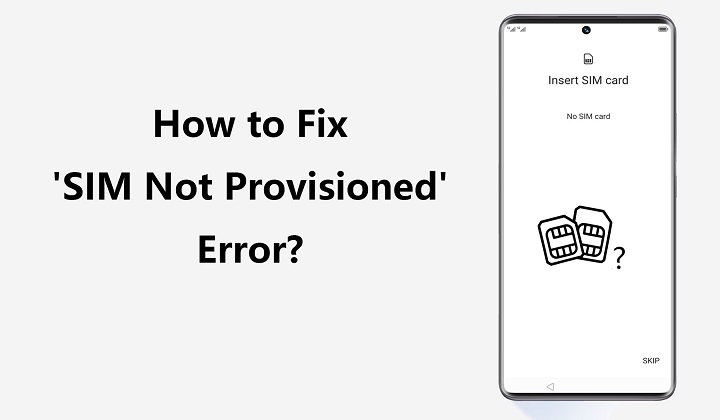
You grab your phone. All looks fine at first. Then bam! You see this weird message:
“SIM Not Provisioned”
Or maybe it says:
- SIM Not Provisioned MM#2
- SIM Not Registered
- SIM Not Activated
- Network Not Available
And now? Your phone is pretty much dead. Can’t call anyone. Can’t text. No internet. No bars at all. Just nothing. Super annoying, right? The SIM card is right there! So what gives? Here’s the good news. You can fix most of these errors. And get this – your phone probably isn’t broken. Usually it’s just some setup thing. Like activation stuff. Or maybe your carrier messed up. Let me show you what to do.
What Does SIM Not Provisioned Mean?
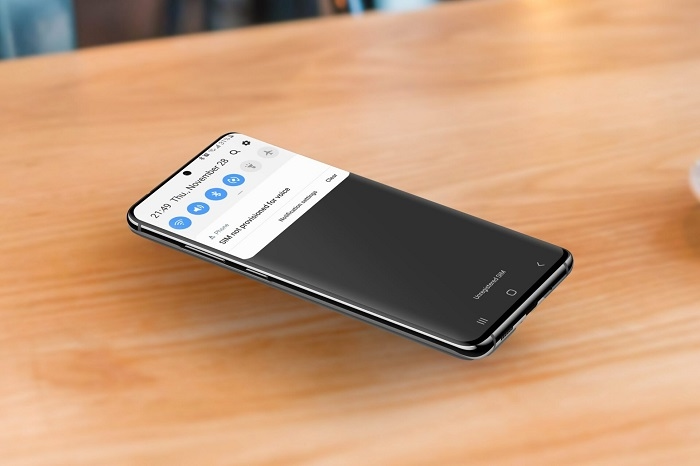
Okay, so provisioning. Big word, I know. It just means your phone company needs to turn on your SIM card.
When they provision (turn on) your SIM:
- They see your card
- They link it to you
- They let you make calls
- They turn on texts
- They give you data
When this fails? The company sees your SIM but won’t let it work. That’s your error right there. Think of it like this. You have a key. You have a door. But nobody connected them yet.
Common Signs of a SIM Not Provisioned Error
Here’s what people notice:
- No signal bars showing
- Only emergency calls work
- Data won’t turn on
- Calls fail right away
- Texts won’t go through
- No carrier name up top
- Random activation messages
Sometimes it all looks normal. But nothing works.
Why Does SIM Not Provisioned Happen?
Lots of things can cause this.
New SIM Card Activation Delay
This one’s super common. You get a new SIM. Pop it in. Turn on your phone. Nothing happens.
Most carriers need time to:
- Turn it on
- Set it up
- Link it to you
This can take:
- Just a few minutes
- A couple hours
- Sometimes a whole day
Number Transfer in Progress
Moving to a new carrier? Taking your number with you? This causes problems a lot. Your old company cuts you off first. Then your new company hooks you up. But in between? No service at all.
SIM Registration Problems
Some countries make you register SIMs now.
Problems happen when:
- Your ID info is wrong
- They can’t verify you
- Your photos are bad
- You forgot some papers
They won’t turn on your SIM until it’s all good.
Carrier Account Issues
Sometimes it’s your account that’s messed up.
Like when:
- You owe money
- They paused your service
- Setup isn’t done
- They made a mistake
Inactive SIM Card
SIM cards can expire. Yep, really.
This happens with:
- Prepaid cards
- Travel SIMs
- Old backup cards
Don’t use them for too long? They stop working.
Damaged SIM Card
Physical damage stops things from working.
Look for:
- Cracks on it
- Scratches
- Water damage
- Bent parts
- Worn spots
A busted chip can’t talk to the network.
First Things to Try
Before you call anyone, try these easy fixes.
Restart Your Phone
Too simple?
Nope.
Works great actually.
A restart fixes:
- Network stuff
- Carrier links
- SIM talking
Lots of weird issues just go away.
Turn Airplane Mode On and Off
This makes your phone search again.
Here’s how:
- Turn on Airplane Mode
- Count to 30
- Turn it back off
Your phone will look for networks again.
Remove and Reinsert the SIM Card
Pull out the SIM tray. Be gentle!
Check for:
- Dirt on it
- Dust
- Wrong placement
- Any damage
Put it back right.
Then restart again.
Clean the SIM Card
Dirty contacts mess things up.
Use:
- Soft dry cloth
- Light touch
Don’t use:
- Water
- Cleaners
- Alcohol
- Rough stuff
Test the SIM in Another Phone
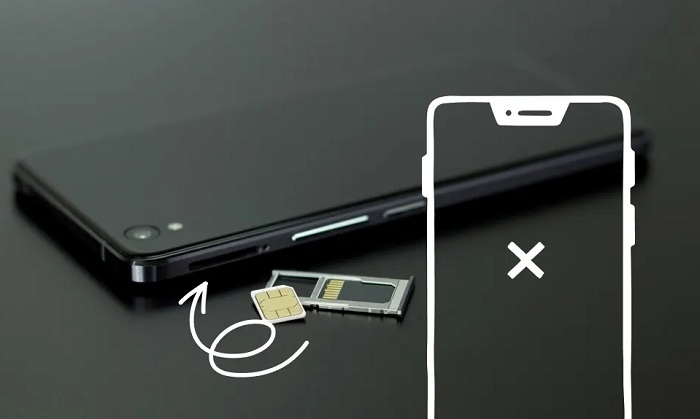
This helps a ton.
If it works there:
- Your phone might be broken
If it fails there too:
- The SIM or account is bad
Test Another SIM in Your Phone
Got a working SIM? Try it.
This shows if:
- Your phone works
- The slot is good
- Your SIM is dead
Check for Carrier Activation Messages
Carriers send setup info a lot.
Look in:
- Text messages
- Your email
- Their app
Maybe you missed a step.
Verify SIM Registration
Registration problems cause tons of issues.
Make sure:
- You finished it all
- They approved your ID
- Everything checked out
Most carriers let you check online.
Contact Your Carrier
Basic stuff didn’t work? Call them.
Ask them to check:
- Is it activated?
- Is my account okay?
- Did registration work?
- Can I use the network?
- Is my number moving?
They can fix lots of stuff from their end.
SIM Not Provisioned MM#2 Explained
Sometimes you see:
SIM Not Provisioned MM#2
This shows up on dual-SIM phones.
It means:
- Phone sees the SIM
- Carrier hasn’t turned it on
Same causes as before:
- New SIM waiting
- Registration delays
- Account problems
- Number moving
Just happens in slot 2 usually.
Why Dual-SIM Phones See This More Often
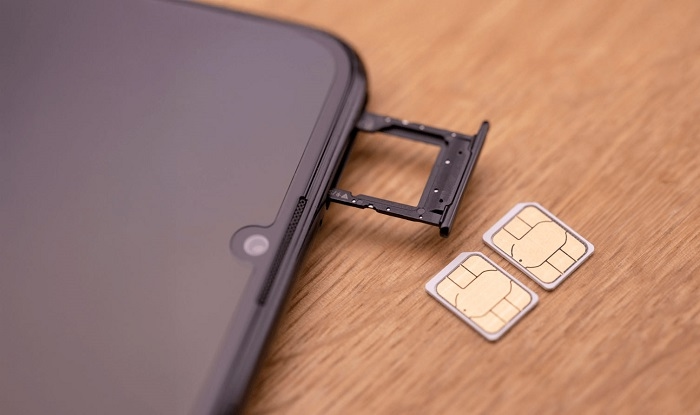
Two-SIM phones deal with:
- Two carriers
- Two setups
- Different settings
People switch second SIMs a lot. So more problems happen.
Like with:
- Travel cards
- Work SIMs
- Backup numbers
Can eSIMs Have Provisioning Problems?
You bet they can.
eSIMs are digital. But the same problems happen.
Common eSIM issues:
- Downloads fail
- QR codes break
- Carriers don’t sync
- Setup isn’t done
Digital card, same old problems.
What If Your Number Is Being Ported?
Moving numbers causes errors a lot.
Here’s what happens:
- Old carrier lets go
- New carrier grabs it
- Systems update
- Service starts
During this? You might lose service for a bit.
Most moves finish in hours. Some take longer though.
Can Software Updates Cause SIM Not Provisioned?
Yeah, sometimes.
Big updates can mess with:
- Network settings
- Carrier stuff
- SIM reading
If it happened after an update:
- Restart your phone
- Reset network settings
- Check for more updates
Does Factory Reset Fix SIM Not Provisioned?
Not really.
The carrier turns on SIMs. Not your phone.
Factory reset just:
- Deletes your stuff
- Removes apps
- Clears settings
But it won’t activate a SIM.
Only try this last for software problems.
When You Need a SIM Replacement
Sometimes the SIM is just dead.
Signs include:
- You can see damage
- It disconnects a lot
- Random failures
- It’s super old
Carriers can:
- Give you a new one
- Move your number
- Fix your account
You usually keep your number.
How Long Does SIM Activation Take?
Times vary a lot.
Could be:
- Right away
- 15 to 30 minutes
- A few hours
- Up to a day
Big number moves? Even longer maybe.
Common Mistakes People Make
Assuming the Phone Is Broken
Most times it’s the carrier. Not your phone.
Constantly Removing the SIM
Too much handling can break:
- SIM contacts
- SIM trays
- Phone parts
Ignoring Activation Instructions
People miss setup steps all the time.
Buying SIM Cards from Unofficial Sources
Sketchy sellers might give you:
- Dead cards
- Expired SIMs
- Bad products
How to Prevent Provisioning Problems
Some good habits help.
Buy SIMs from Official Sources
Use real stores only.
Complete Registration Carefully
Double-check:
- Names
- ID numbers
- Photos
- Your info
Save Activation Records
Keep:
- Receipts
- Emails
- Confirmations
Keep Backup SIMs Active
Use them sometimes. Or they die.
Why SIM Provisioning Matters More Today
Years back? Losing service was just annoying.
Now your number connects to:
- Bank apps
- Security codes
- Social media
- Digital wallets
- Work stuff
- Password resets
That’s why you need to fix this fast.
Quick Summary Table
| Problem | Possible Cause |
| SIM Not Provisioned | Not activated yet |
| No signal | Network problem |
| New SIM not working | Waiting to activate |
| Number transfer issue | Still moving over |
| eSIM activation failure | Setup went wrong |
| Inactive SIM | Too long unused |
| Registration error | Didn’t verify right |
| Random disconnects | SIM is damaged |
FAQs
What does SIM Not Provisioned mean?
Your carrier hasn’t turned on your SIM yet.
Is my SIM card broken?
Probably not. Usually it’s activation stuff.
Can restarting my phone fix it?
Sometimes! Especially for network hiccups.
Can number transfers cause provisioning errors?
Oh yeah. Happens all the time.
Will I lose my phone number?
Nope. Carriers can fix it without changing numbers.
Can eSIMs experience provisioning issues?
Yep, for sure.
How long should activation take?
Minutes to a day. Depends on your carrier.
When should I contact my carrier?
After you try the basic fixes first.
Getting a SIM Not Provisioned error sucks. Especially when everything important uses your number now. But hey, it’s usually not that bad.
Whether it’s from:
- Waiting to activate
- Registration problems
- Moving your number
- Carrier issues
- eSIM setup mess
- Need new SIM
There’s almost always an easy fix. Try the simple stuff first. Then check with your carrier. Most people get back online way faster than they think.